Skip to content

Object · Fraxin

One 3D model in the browser for every firm on a project

On Fraxin, Object's web platform, the firms of an engineering project work on one digital twin. An edit appears at once on every screen that has the model open, and the part keeps a record of who made it and when.

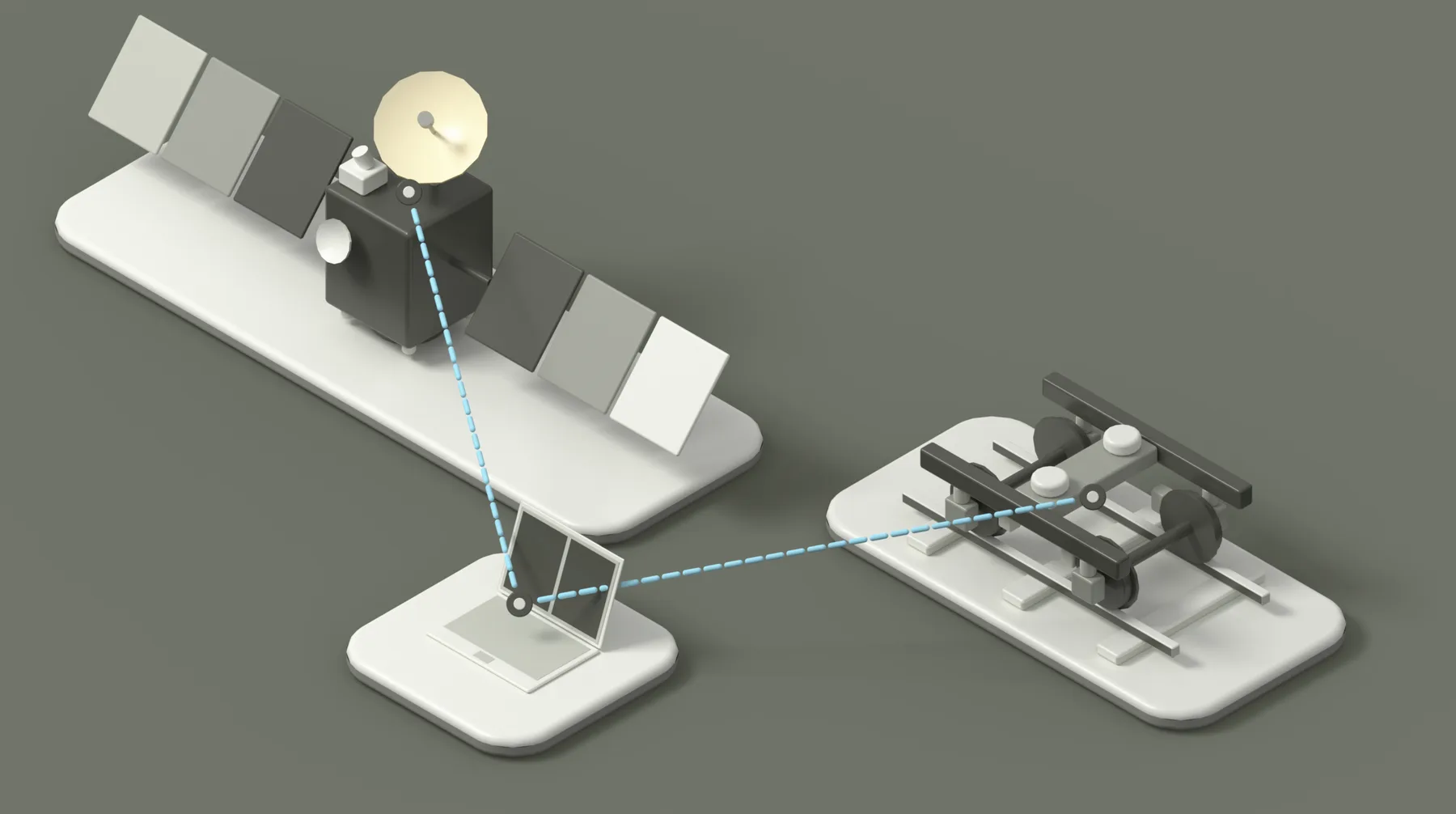
A satellite and a rail bogie whose parts are shaded by stage, linked by data lines to a laptop.

01 Project data

Each part carries its contractor, price, carbon and material, its stock on hand and in transit per warehouse, and the drawings and certificates attached to it.

Clicking a part in the 3D view opens all of its data, stock and files.

02 CAD

The assembly tree and geometry come from the CAD model through a plug-in. A new export updates the model, and every part keeps its data.

The browser shows the assembly with the structure it has in CAD.

03 4D progress

A part sits in one of the workspace's stages with a planned date and shows as delayed if it is still in that stage after the date.

A slider over the project dates plays the work back day by day and greys out parts not yet started.

04 Coordination

Each group has its own chat channel, and a part dragged into a message becomes a link that zooms to it. Every part also has its own comment thread.

A discussion about a part stays attached to it, in its thread or a chat link.
Access and collaboration

Rights per firm, set on the assembly tree

An admin puts people into groups, one per subcontractor for example, and gives each group view, download or edit rights on any assembly, which its parts inherit. The server keeps back the data of parts a group may not view.

Sign-in · server
Sign-in is secured with multi-factor authentication. The database runs on the client's own server.
Design · built unit
A design project can be cloned into a digital twin of one built unit, which then keeps its own stages and dates.
Costs
Prices stay in the supplier's currency and convert at rates set per workspace. The BOM exports to CSV, XLSX, JSON and other formats, with prices in the base currency.
Queries
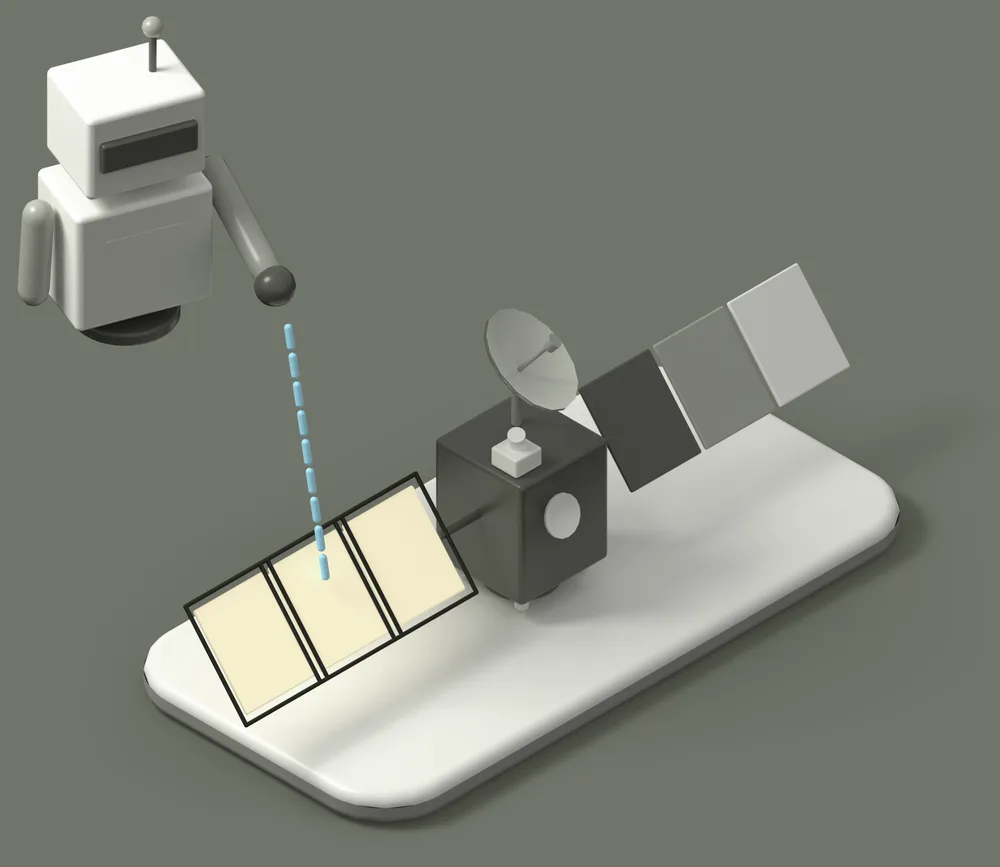
An AI-assisted query builder selects parts by any of their fields, and one edit changes the whole selection, even across millions of parts in the database.
A robot pointing at the solar panels of a satellite that a query has picked.

Data visualisation

The same satellite three times, its parts shaded by stage, by price and by carbon.

Part data appears on the 3D model in several ways: colour by any field, a value range that keeps only matching parts in colour, isolation of a selection. These views keep a model of millions of parts workable.

Supply chain visualisation

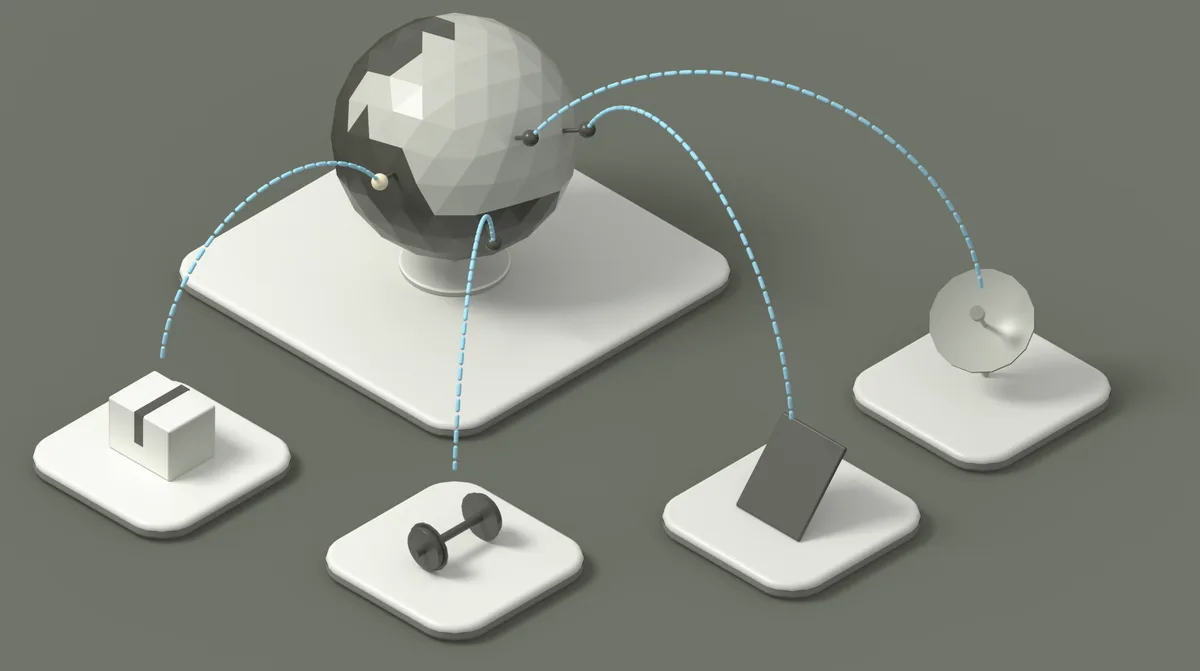
A globe with pins and arcs from suppliers to parts and a crate.

A globe draws each part's route from its supplier stop by stop, with the current status of every shipment. Suppliers can be compared by route length and transport carbon before one is chosen.

Model tree and assistant

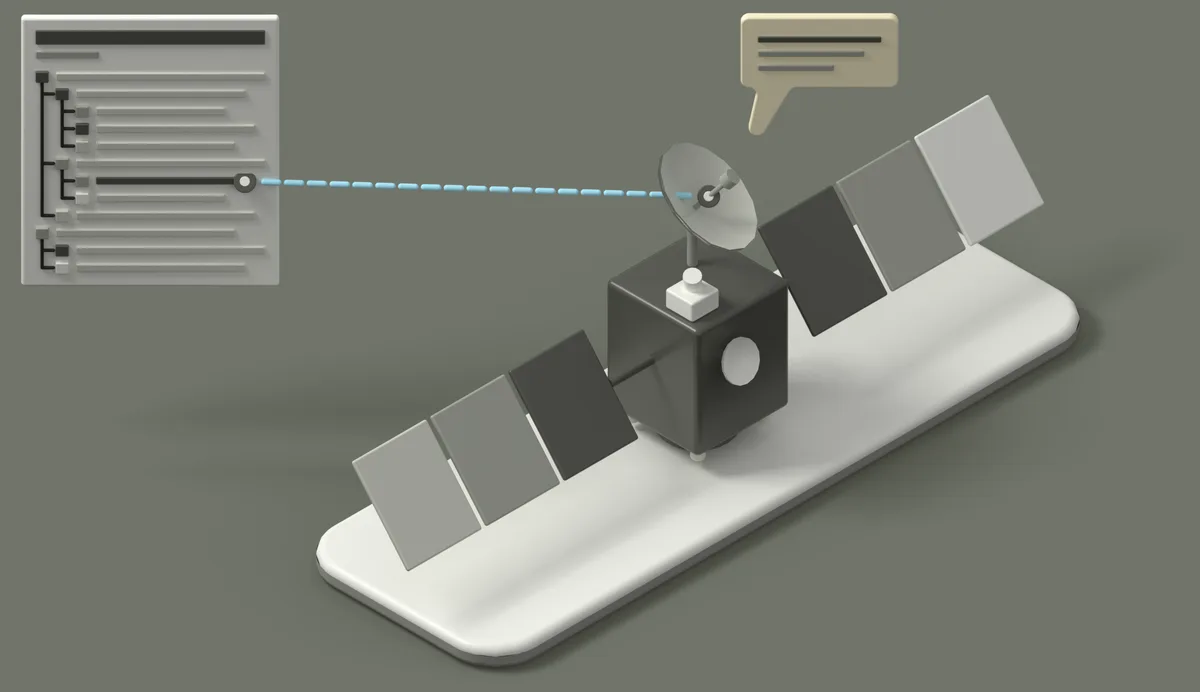
The model tree panel beside the satellite, with a speech bubble from the assistant.

The model tree shows the database as engineers know it from CAD, assemblies with their parts, and selects the same parts as the 3D view. An AI assistant answers questions about the project and highlights the parts it names.

Next step

Fraxin on the firm's assembly

hi@object.pl

Fraxin is a product of Object, a software and engineering studio.

Contact: hi@object.pl.